Minecraft
Search modpacks freely in the customer panel
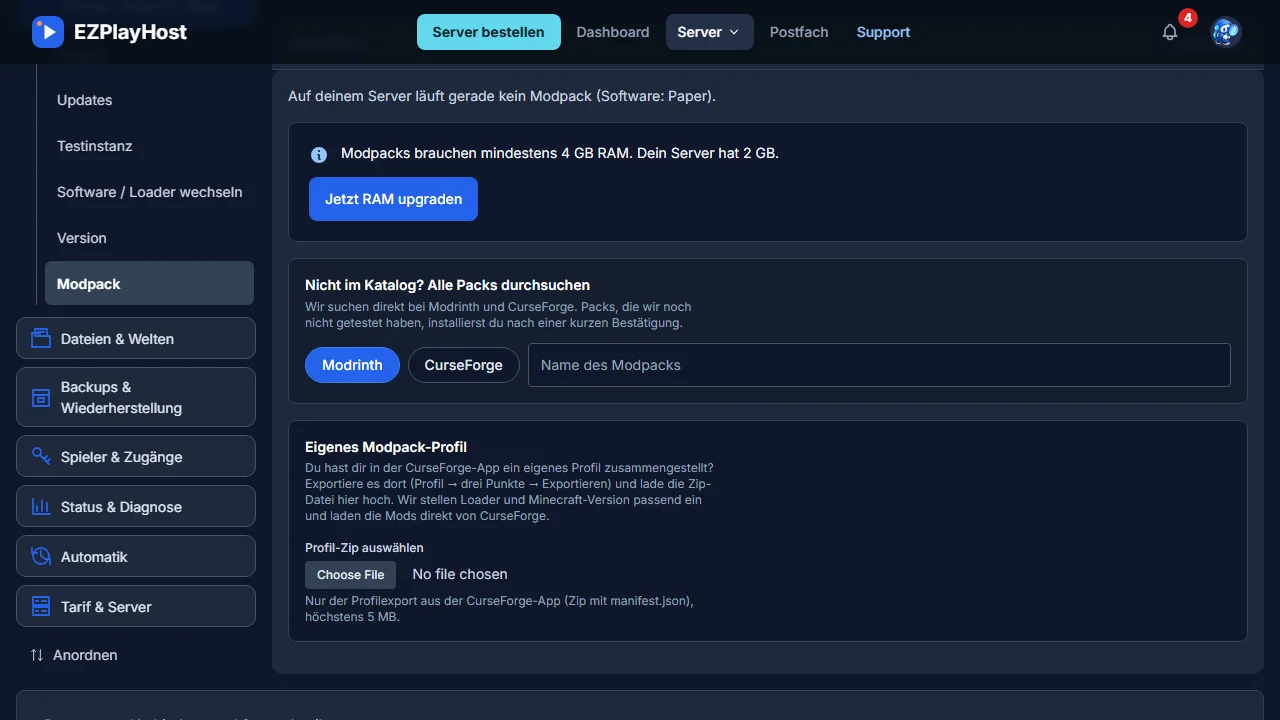
In the customer panel you can now search modpacks by name instead of only choosing from a fixed selection. Packs you find on Modrinth and CurseForge install right from there.
The most important improvements of the last weeks, each with a picture and explained in two sentences.
759 improvements in the last 30 days As of November 19, 2026
In the customer panel you can now search modpacks by name instead of only choosing from a fixed selection. Packs you find on Modrinth and CurseForge install right from there.
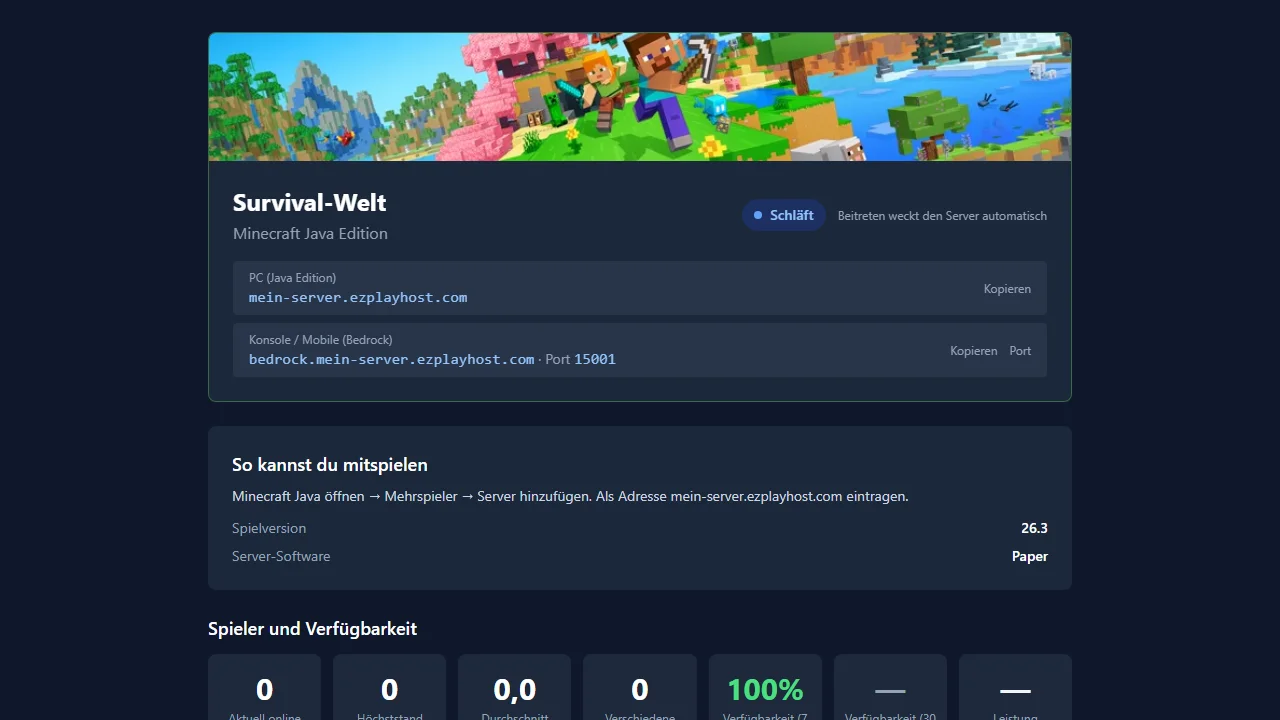
On the public status page of your Minecraft Java server you can now show the world map from BlueMap, squaremap or Dynmap and the ban list. Banned players can send an unban request there, which you accept or decline in the panel.
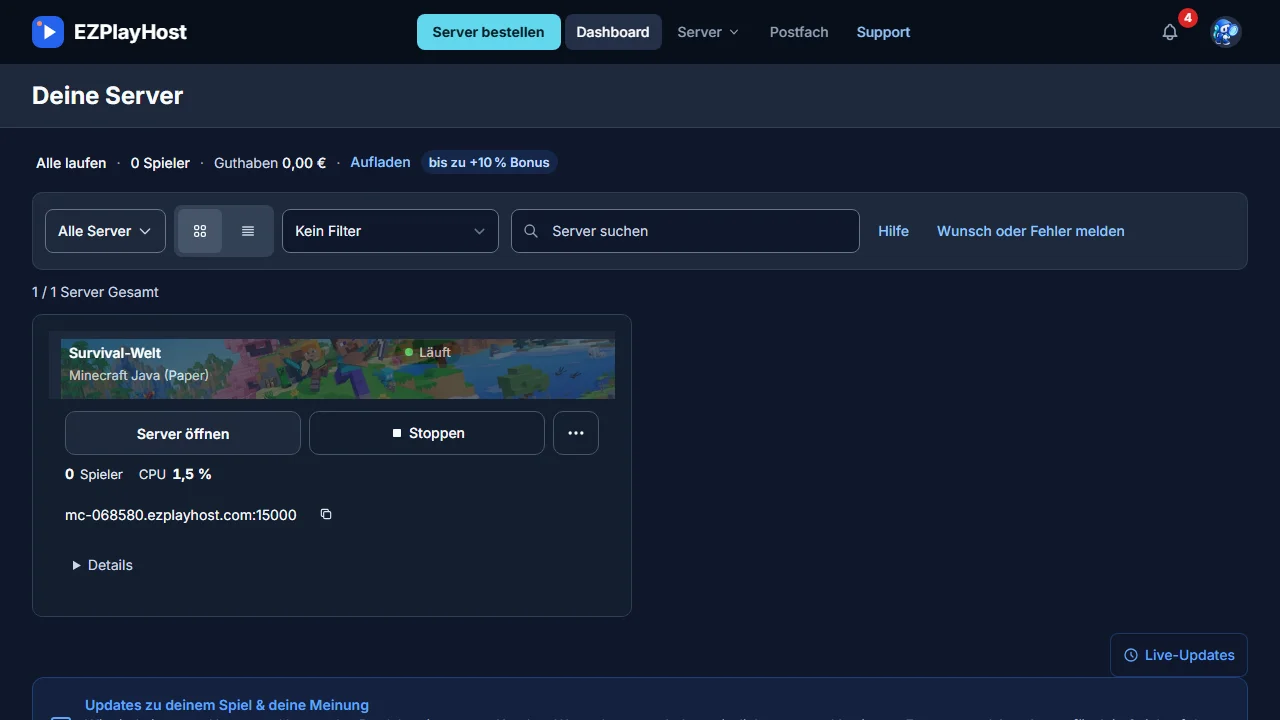
Your servers can now carry several tags, and both tags and the order of your server list are saved to your account instead of your device. In a server page's navigation you pin sections and sort them the way you need.
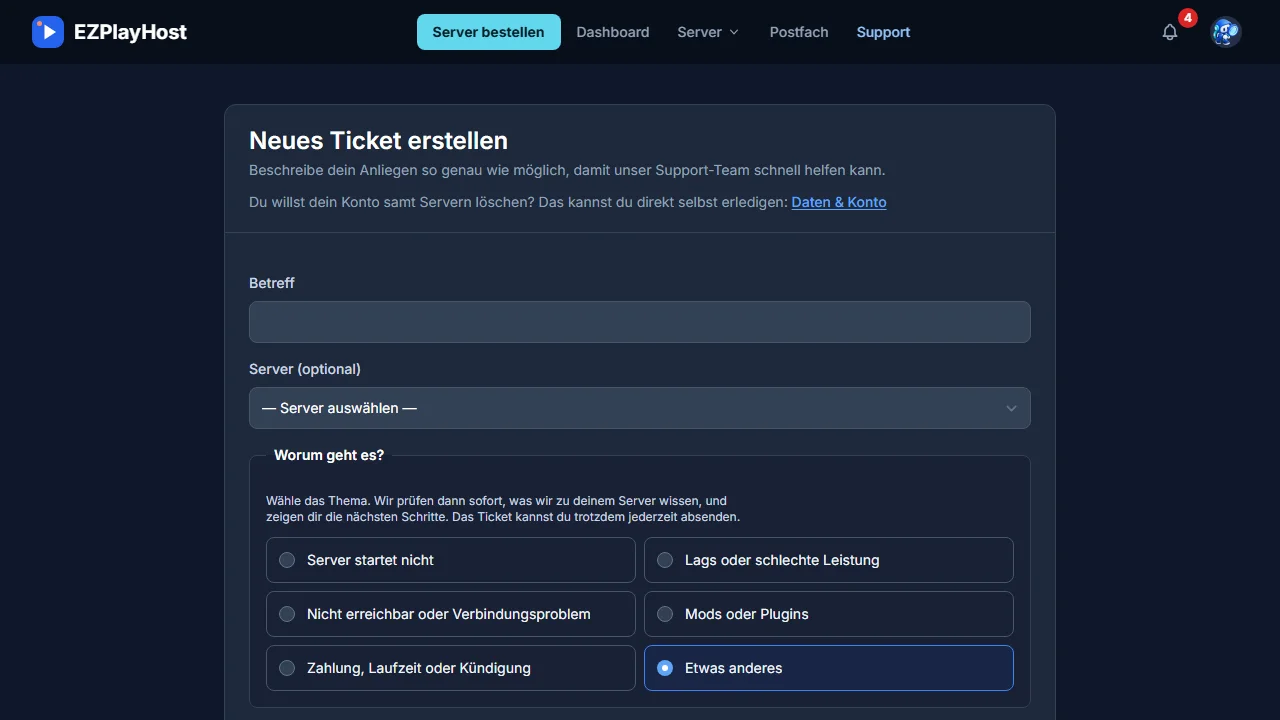
In the ticket form you now pick a topic first, and the panel checks your server for it right away. The result travels with your ticket, so support doesn't have to start from scratch.
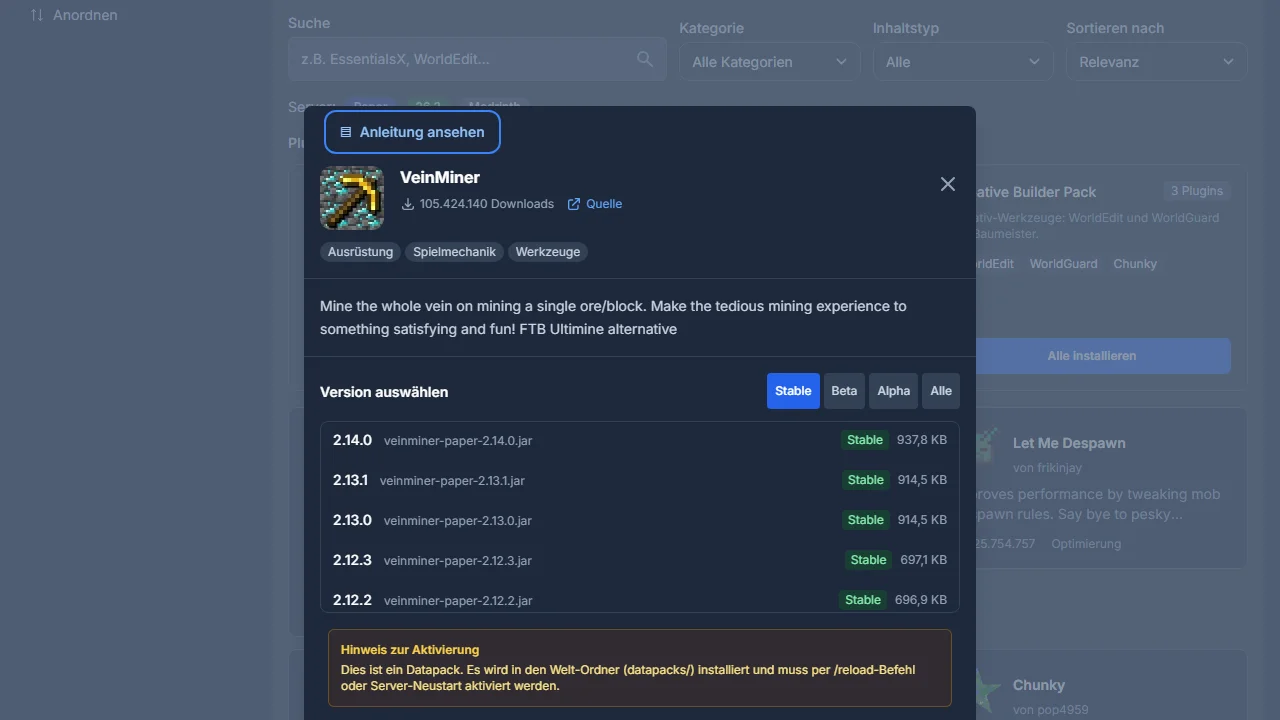
Before you click, the plugin browser now checks whether your server's loader, Minecraft version and Java match the chosen version, and tells you why if they don't. On request it picks a matching version and shows the required dependencies, which you can deselect.
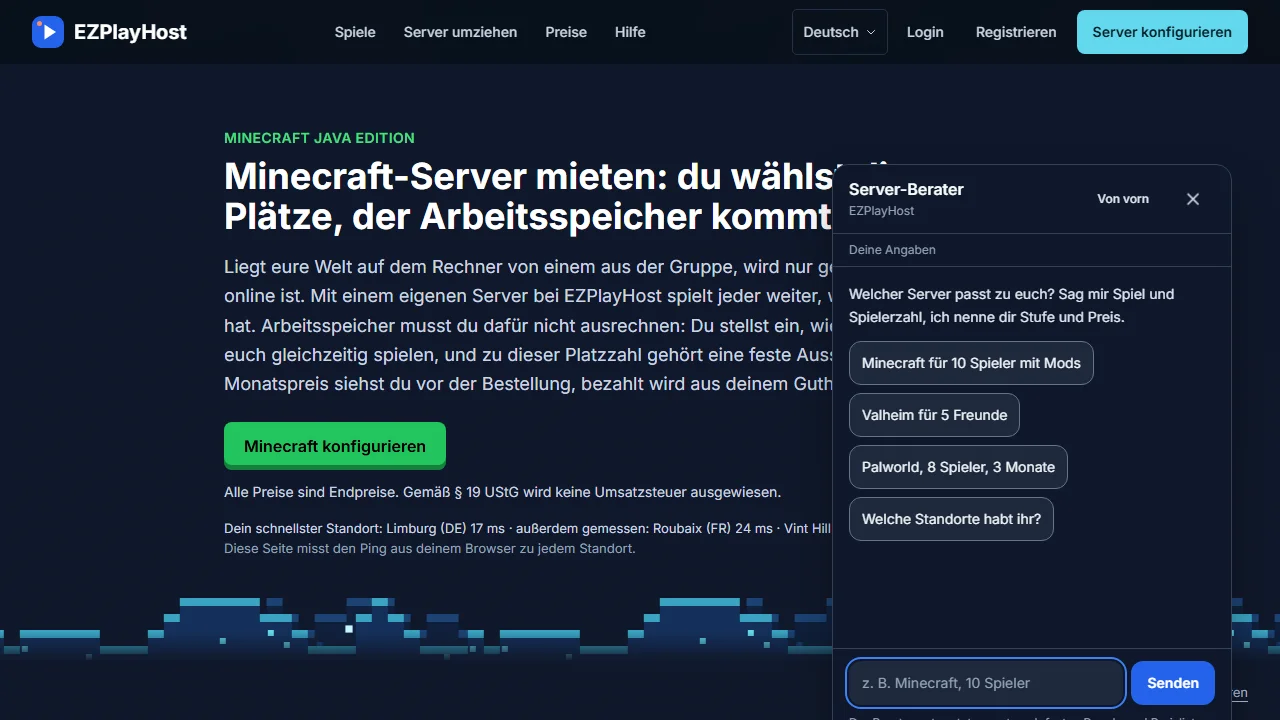
On the order pages you open the server advisor and describe what you want to play and with how many people. It answers with an AI model and recommends a matching plan with a game image.
Learn more →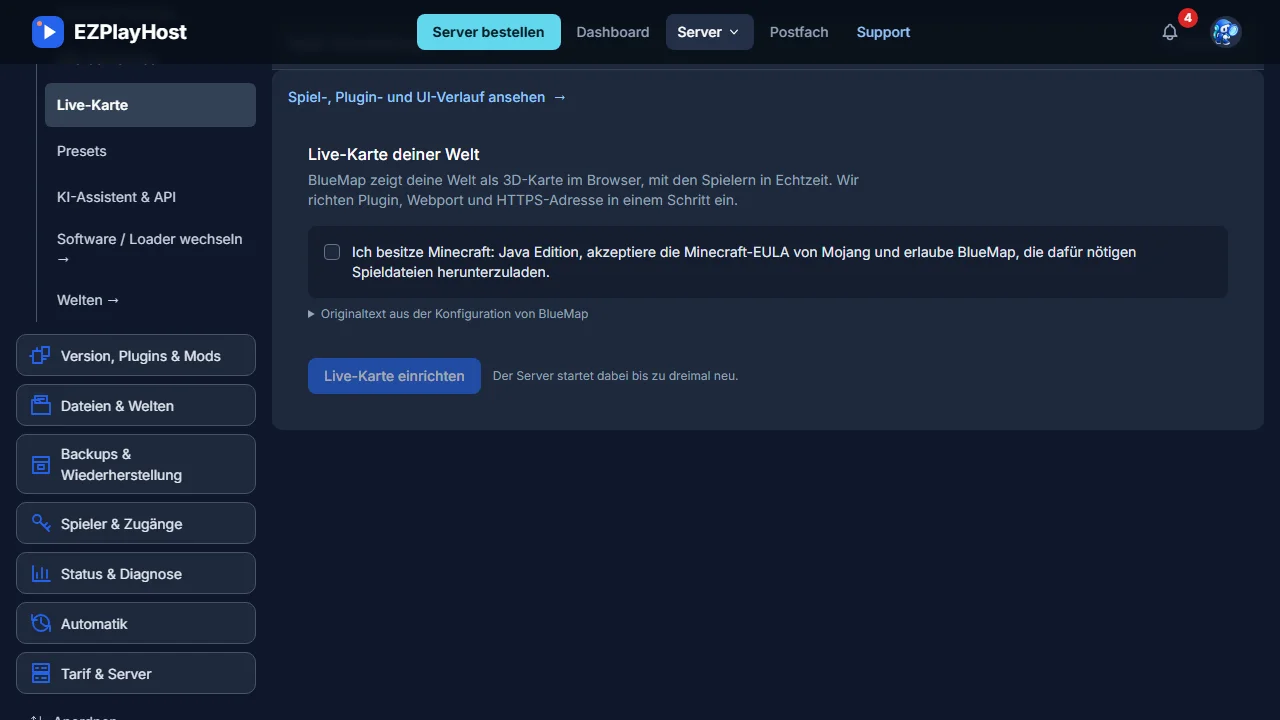
In the new Live Map tab you set up BlueMap for your Minecraft Java server with one click, and the panel installs the plugin and enables access. After that you open the map of your world straight from the panel.
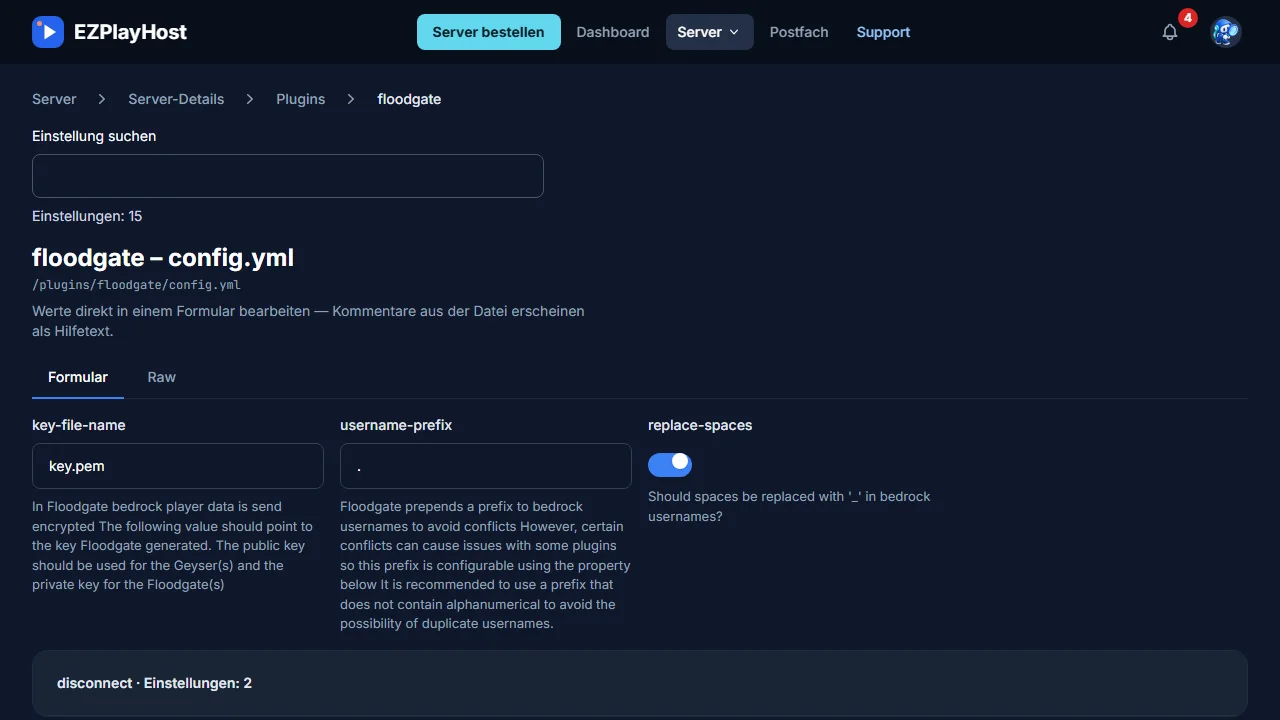
Plugins and mods like EssentialsX Spawn, GriefPrevention, spark, DecentHolograms or Distant Horizons now have their own settings cards in the panel, and ATM10 and BMC4 have them in the modpack editor. You change values with switches and fields instead of editing config files by hand.